Zid automation
Bring Zid store data into WhatsApp and the website widget.
Help Zid merchants answer product, delivery, payment, and order questions with Arabic-first lifecycle emails.
The platform App Store listing is coming soon; you can start setup now.
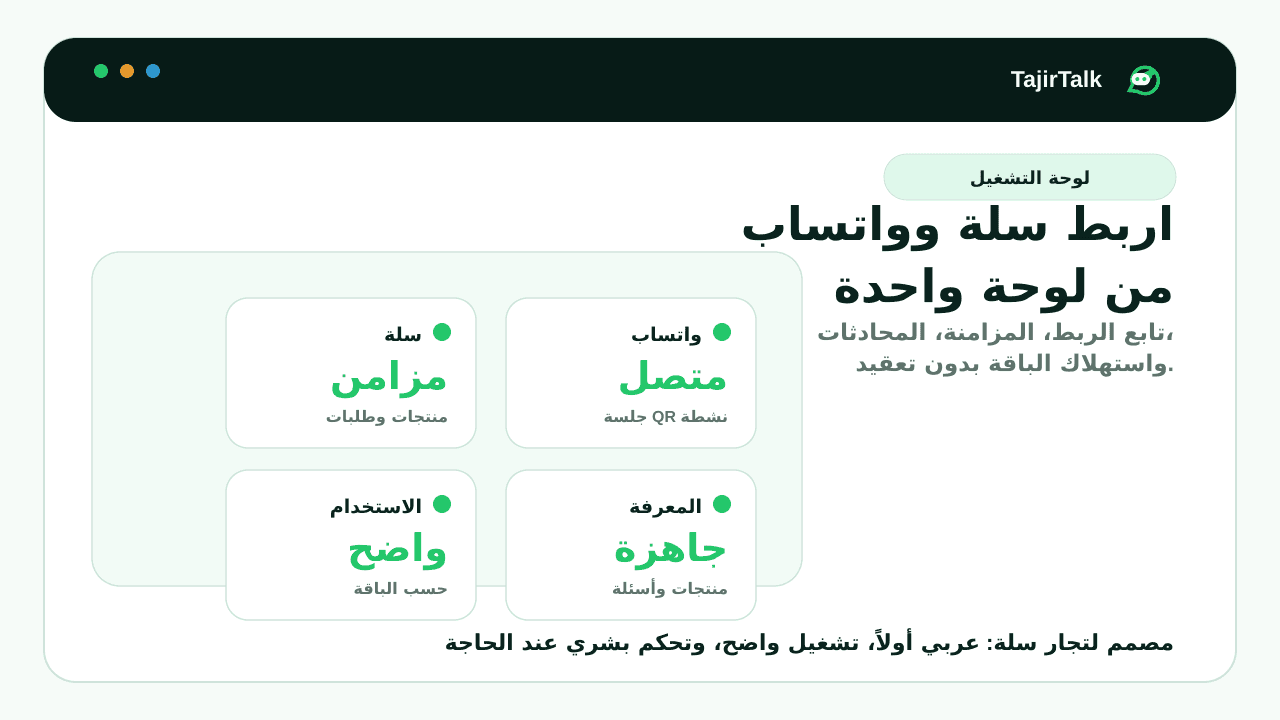
Product and order data becomes approved agent knowledge.
WhatsApp replies and widget answers use the same source.
Store alerts, connection renewal, and cart recovery checks are part of launch QA.
Direct answer
How can Zid stores automate WhatsApp support and sales follow-up?
TajirTalk connects Zid store data to WhatsApp replies, website chat, abandoned cart reminders, review requests, order support, and human handoff. The goal is to keep product and order answers consistent while merchants stay in control of sensitive conversations.
Zid workflows this page covers
Why this matters for Zid merchants
- Zid product and order data can become approved knowledge for WhatsApp and website chat.
- Lifecycle events and subscription state can map into the same internal usage-led plan system.
- Arabic lifecycle emails and merchant-facing setup copy stay the default for the Gulf market.
Sources and platform references
Before activation
What Zid merchants know before setup
WhatsApp is connected through Linked Devices inside the dashboard. This is not a Meta WhatsApp Cloud API setup.
Direct checkout uses Stripe. Zid marketplace subscription details map into the same usage system when enabled.
Setup steps
- 1Connect Zid permissions
- 2Pair WhatsApp in the dashboard
- 3Send a test reply or reminder
- 4Enable the first workflow
Feature status
- Live: AI support, cart recovery, website widget, inbox, and handoff.
- Live: order updates, reviews, and back-in-stock alerts using supported Zid lifecycle events.