Salla automation
Connect Salla products, orders, carts, and WhatsApp support.
Arabic-first onboarding for Salla merchants who need product answers, safe order lookup, and abandoned-cart reminders.
Already have an account? Open your dashboard
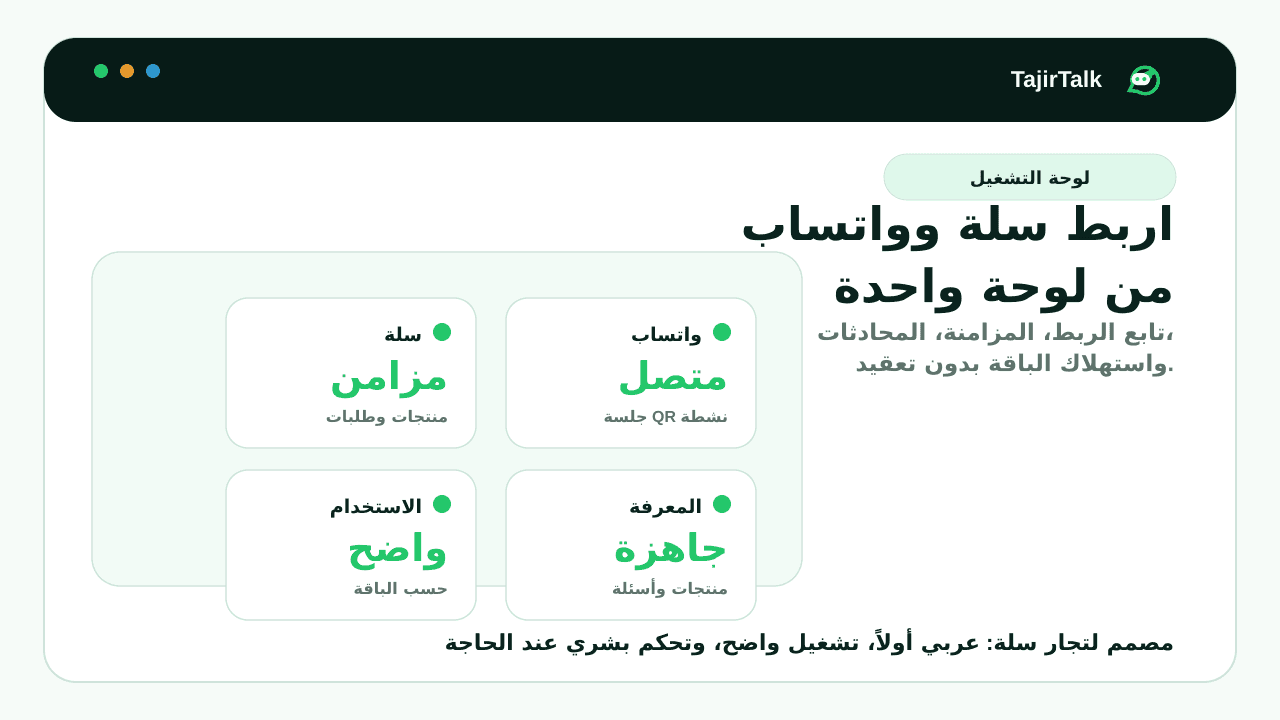
Products, FAQs, policies, orders, and carts feed one assistant.
Arabic merchant emails and setup copy are the default.
Store permissions, alerts, and connection renewal checks stay visible before launch.
Direct answer
What is the best WhatsApp automation setup for a Salla store?
TajirTalk gives Salla merchants one WhatsApp automation workspace for order updates, abandoned cart recovery, review requests, website chat, AI customer replies, inbox visibility, and human handoff. Merchants connect Salla, pair WhatsApp from the dashboard, then enable the workflows that match their store volume.
Salla workflows this page covers
Why this matters for Salla merchants
- Product, order, cart, policy, and FAQ data can feed the same approved response layer.
- Usage-based plans keep every feature available while limits control monthly message volume.
- Sensitive conversations can pause automation and move to a human instead of forcing the assistant to decide.
Sources and platform references
Before activation
What Salla merchants know before setup
WhatsApp is connected through Linked Devices inside the dashboard. This is not a Meta WhatsApp Cloud API setup.
Direct checkout uses Stripe. Salla marketplace subscription mapping is retained for app-store distribution.
Setup steps
- 1Connect Salla permissions
- 2Pair WhatsApp in the dashboard
- 3Send a test reply or reminder
- 4Enable the first workflow
Feature status
- Live: AI support, cart recovery, website widget, inbox, and handoff.
- Live: order updates, reviews, and back-in-stock alerts with unsupported store states surfaced before sending.