Shopify automation
Add WhatsApp AI support and checkout recovery to Shopify.
English-first Shopify flows for international merchants, with localization hooks ready when needed.
The platform App Store listing is coming soon; you can start setup now.
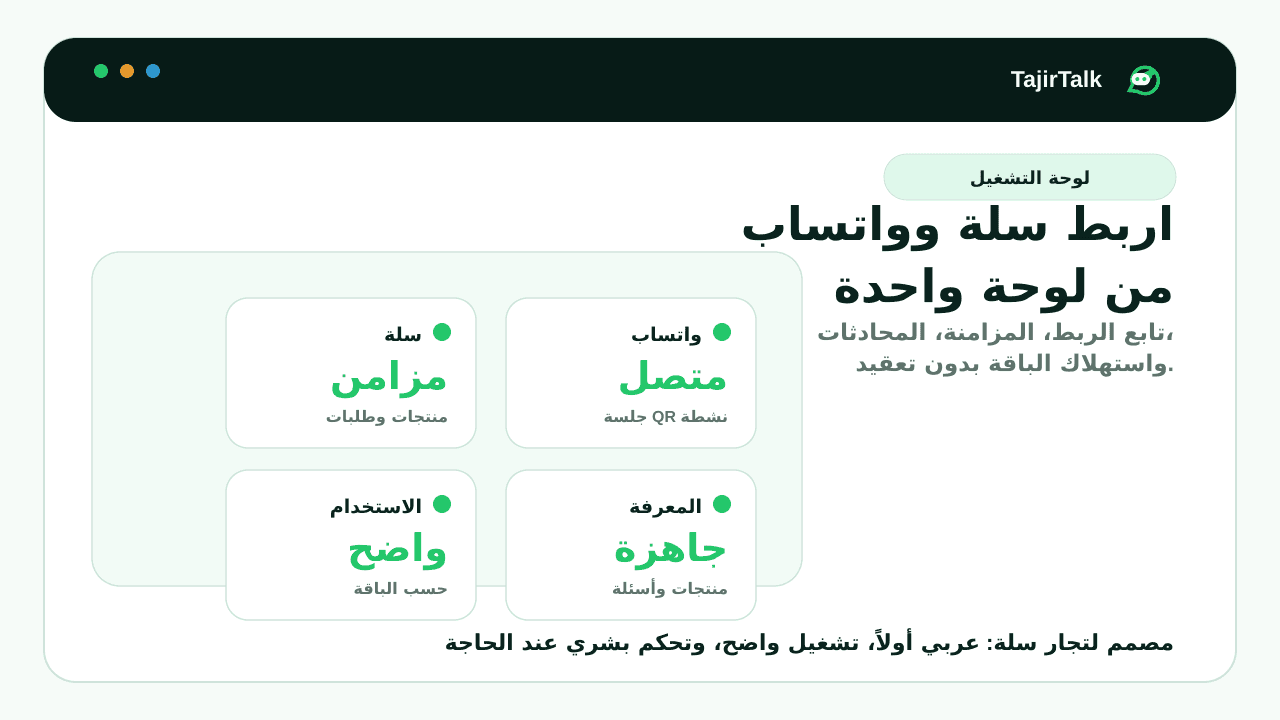
Products, variants, fulfillments, and abandoned checkouts can power the assistant.
Website widget captures early questions before checkout.
WhatsApp handoff and cart reminders keep follow-up in one channel.
Direct answer
What WhatsApp automation should a Shopify store start with?
A Shopify store should start with product and policy answers, website chat, abandoned checkout recovery, order questions, and human handoff. TajirTalk supports direct Stripe merchants now while keeping public Shopify App Store billing as a later marketplace step.
Shopify workflows this page covers
Why this matters for Shopify merchants
- Shopify products, variants, fulfillment state, and abandoned checkouts can inform customer replies and reminders.
- Website chat can answer purchase questions before checkout, then preserve context for WhatsApp follow-up.
- Direct Stripe billing lets early merchants use the suite before public Shopify App Store monetization is ready.
Sources and platform references
Before activation
Current Shopify status
WhatsApp is connected through Linked Devices inside the dashboard. This is not a Meta WhatsApp Cloud API setup.
Use Stripe for direct merchants now. Shopify App Store billing remains deferred until the public listing is ready.
Setup steps
- 1Sign in
- 2Connect Shopify store data
- 3Pair WhatsApp in the dashboard
- 4Test AI replies and cart recovery
Feature status
- Ready for direct Stripe merchants.
- Public Shopify App Store billing can be enabled when the public listing is prepared.