“Will this fit my device?” Answering product compatibility questions on WhatsApp
Ask for the exact model, check the selected product option, and give a supported answer before sharing a purchase link. Includes a fictional phone-case example.
Posted by
 TajirTalk Team
Related reading
What should a back-in-stock WhatsApp message say?
A practical restock checklist: match the requested product, check availability, write a useful WhatsApp alert, and avoid promises about variants or reservations.
How WhatsApp AI support helps ecommerce stores answer customers faster
A practical guide to using WhatsApp AI support for product questions, availability, order status, and handoff without losing merchant control.
Website chat widget vs WhatsApp support: what should ecommerce stores use?
A comparison of website widgets and WhatsApp support, and why many stores should use both with one commerce-aware WhatsApp suite.
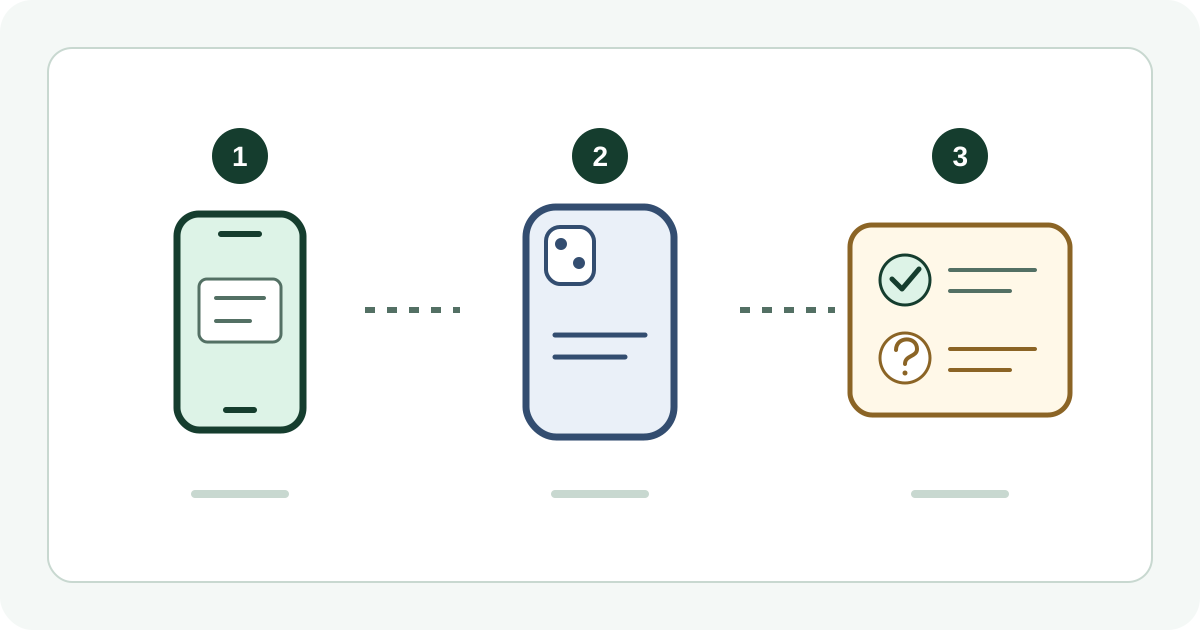
How should you answer “Will this fit my device?”
Ask for the exact device model and the product or option the shopper wants. Confirm compatibility only when the selected item’s current specifications explicitly support that model. If the model is missing or the sources disagree, explain what still needs checking and pass the question to your team before recommending a purchase.
A shopper asking about fit is often deciding whether to buy. “Yes, it should work” leaves them with the risk. A useful reply settles one specific pairing: this product option with this device model.
Ask one useful question before sending the link
“Which phone do you have?” may produce “the latest one.” Ask for the model name as shown in the device settings, including any Plus, Pro or other suffix. Ask which item they mean if the conversation has no product link. Do not request a serial number, IMEI, account details or a screenshot containing personal information for an ordinary model check.
For a phone case, the model name matters more than a similar-looking photo. For other accessories, the relevant evidence may be a manufacturer’s compatibility list or the exact dimensions and connection requirements. Do not infer that two products fit simply because their names or connectors look alike.
Check the option, then choose the reply
| What you found | What to say | Next step |
|---|---|---|
| Exact model explicitly supported | Name the supported model and matching option, using the current product details. | Send the product link and tell the shopper which option to select. |
| Only a similar model is listed | The listing names a different model; compatibility with yours is not confirmed. | Ask the team to check before recommending this item. |
| Description and option label disagree | The product information needs checking before we can confirm fit. | Hold the recommendation and resolve the conflicting information. |
Also verify the selected option’s availability. A parent product marked available does not establish that every option is in stock. If a link opens the general product page, say which option to choose; do not imply the link has already selected or reserved it.
Open a fictional phone-case conversation
Shopper: “Will this case fit my phone?”
Suggested first reply: “What is the exact model name in your phone settings, including any suffix? Please also send the case’s product link if it is not already in this chat.”
Example facts: The shopper has a fictional Model A Pro. The selected case option lists only Model A.
Suggested response: “This option lists Model A. I can’t confirm it fits Model A Pro from that information. I’ll ask the team to check the correct option before you order.”
This is a written training example, not a recorded exchange, a live product lookup or a guarantee of TajirTalk’s response.
Give staff a question they can resolve
Keep the model name, product link, selected option and unresolved detail together in the conversation. For example: “Customer has Model A Pro; the case option lists Model A. Please confirm the matching option. We have not promised compatibility.” Staff should be able to see what was already asked without making the shopper repeat it.
If there is no compatible item, say so. Offer an alternative only after checking that alternative against the same model. Do not turn a missing answer into a discount, a guaranteed return or an unsupported safety claim.
Prepare TajirTalk’s product knowledge for this question
TajirTalk uses connected product information and store FAQs for customer replies and supports human handoff. It is not a manufacturer compatibility database. Make the model names, supported options and exclusions clear in the product data your store provides, then check that the relevant information is available after syncing. Keep general policies in FAQs; a general policy cannot prove a specific product fits.
- Choose a product with several easy-to-confuse options and review its current descriptions.
- Test internally with an exact supported model, a similar unsupported model and an incomplete model name.
- Verify that a supported answer names the right option and link, and that missing information leads to clarification or staff review.
- Check the same scenarios in Arabic and English. Keep model identifiers unchanged even when the surrounding reply is translated.
Review whether the shopper received a correct next step. A reply, a product-link click or a handoff is not proof of a sale. Use actual orders when evaluating purchases, without copying private chat content into marketing analytics.
Run a Salla store? View TajirTalk on Salla Review the current setup requirements and terms on the listing.
Next: prepare your store connection or improve product answers.
