What should a back-in-stock WhatsApp message say?
A practical restock checklist: match the requested product, check availability, write a useful WhatsApp alert, and avoid promises about variants or reservations.
Posted by
 TajirTalk Team
Related reading
How WhatsApp AI support helps ecommerce stores answer customers faster
A practical guide to using WhatsApp AI support for product questions, availability, order status, and handoff without losing merchant control.
Website chat widget vs WhatsApp support: what should ecommerce stores use?
A comparison of website widgets and WhatsApp support, and why many stores should use both with one commerce-aware WhatsApp suite.
How to automate product questions without giving wrong answers
A merchant playbook for safe product-question automation using approved catalog data, FAQs, and handoff rules.
Answer the request the shopper actually made
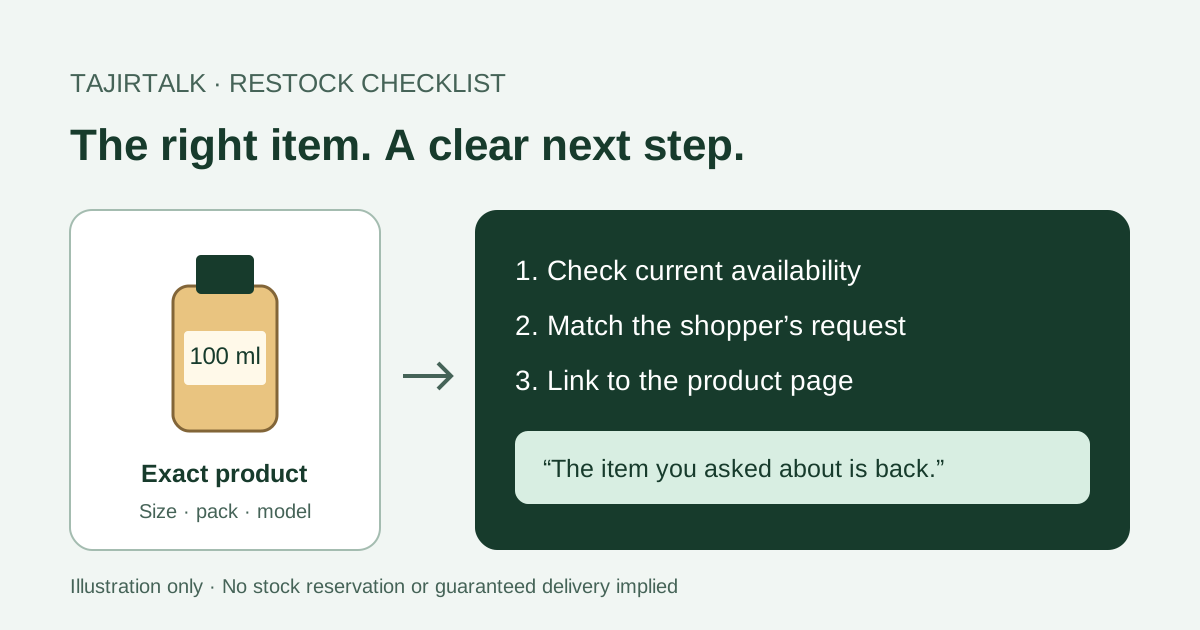
A useful back-in-stock message names the product the shopper asked about, confirms that it is available now, and links to its product page. Send it to someone who requested that alert. Do not promise a delivery date, reserve an item, or claim a particular size is back unless you have checked it.
“Let me know when it is back” sounds simple. For a perfume shop, though, a 50 ml bottle is not a substitute for the requested 100 ml bottle. For an electronics store, the wrong connector can make an otherwise identical-looking accessory useless. Keep that detail with the request before deciding what to send.
Check these four things before an alert
| Shopper requested | Check before sending | Hold the alert when |
|---|---|---|
| Perfume, 100 ml | The 100 ml product can actually be ordered. | Only the 50 ml bottle has returned. |
| USB-C charger | Connector, wattage and product link match the request. | Only a similar-looking model is available. |
| Coffee, whole beans | The requested pack and grind option are available. | Only ground coffee is in stock. |
| Shoes, size 42 | Size 42 is available on the product page. | The parent product is in stock but size 42 is not. |
Then open the link as a shopper. Check that it reaches the right page, the item can be purchased, and the price is current. If the page is still unavailable, a message only sends the shopper back to the same dead end.
Use a short message with one next step
You do not need a discount to make this useful. The shopper already asked about the item. Remind them which product it was and make the next step clear.
Read an illustrative restock message
Hi! You asked us to let you know when the 100 ml oud perfume returned. It is available again. Check the current price and availability here: [product link].
«أهلًا! طلبت تنبيهك عند توفر عطر العود 100 مل. أصبح متوفرًا الآن. يمكنك مراجعة السعر والتوفر وإتمام الطلب من هنا: [رابط المنتج].»
Replace the placeholders and verify the details before sending. This is suggested copy, not a recorded customer conversation.
Avoid “your bottle is reserved” unless there is a real reservation. Avoid “last chance” unless that is accurate. An alert describes availability at the time of sending; stock may change before the shopper opens it.
Where TajirTalk fits
TajirTalk has a back-in-stock module with Arabic and English message templates and visibility into waiting subscriptions and queued or failed alerts. It gives the team a place to manage the follow-up instead of relying on someone remembering an old chat.
Before using it, check your connected store, the module’s enabled state, current product data and sending readiness. Availability depends on the store connection and its configured sending path. For Salla, the current automated restock processor requires the legacy sending setup. It is skipped when the store uses Salla Communication delivery. Confirm that your setup supports this workflow before subscribing for restock alerts.
The module does not reserve stock or prove that the shopper bought. A queued or notified status is not evidence that the message was delivered, read or converted into an order.
Start with one product and one internal test
- Choose an item with a straightforward product page and verified stock.
- Use your own team’s test number and an isolated test setup. Do not create fake stock changes in a live store.
- Check the product name, message language, destination link and any variation the shopper needs.
- Review the sending result before expanding to real shoppers who requested alerts.
- Respect a shopper’s request to stop. Do not turn a restock request into permission for unrelated promotions.
For a small first batch, review whether the message reached the customer and whether they returned to the relevant product. Use actual orders to assess purchases; do not count every sent alert as a recovered sale.
Next: prepare your store connection or improve product answers. Product reference: TajirTalk Back-in-Stock Alerts.
