How to prepare TajirTalk for a Salla or Zid store
A practical launch sequence for connecting WhatsApp with Salla or Zid, preparing product data, and enabling commerce replies with human control.
Posted by
 TajirTalk Team
Related reading
Salla store WhatsApp automation: what merchants should know
A practical Salla-focused guide for product data readiness, order lookup, cart reminders, app scopes, and Arabic-first merchant onboarding.
Zid store WhatsApp automation: product questions, orders, and cart recovery
How Zid merchants can prepare product data, orders, store events, WhatsApp replies, and Arabic lifecycle emails.
Shopify TajirTalk: support, product answers, and cart recovery
How Shopify merchants can think about WhatsApp AI support, website chat, product data readiness, order lookup, and abandoned checkout recovery.
Start with the commerce flow, not the model
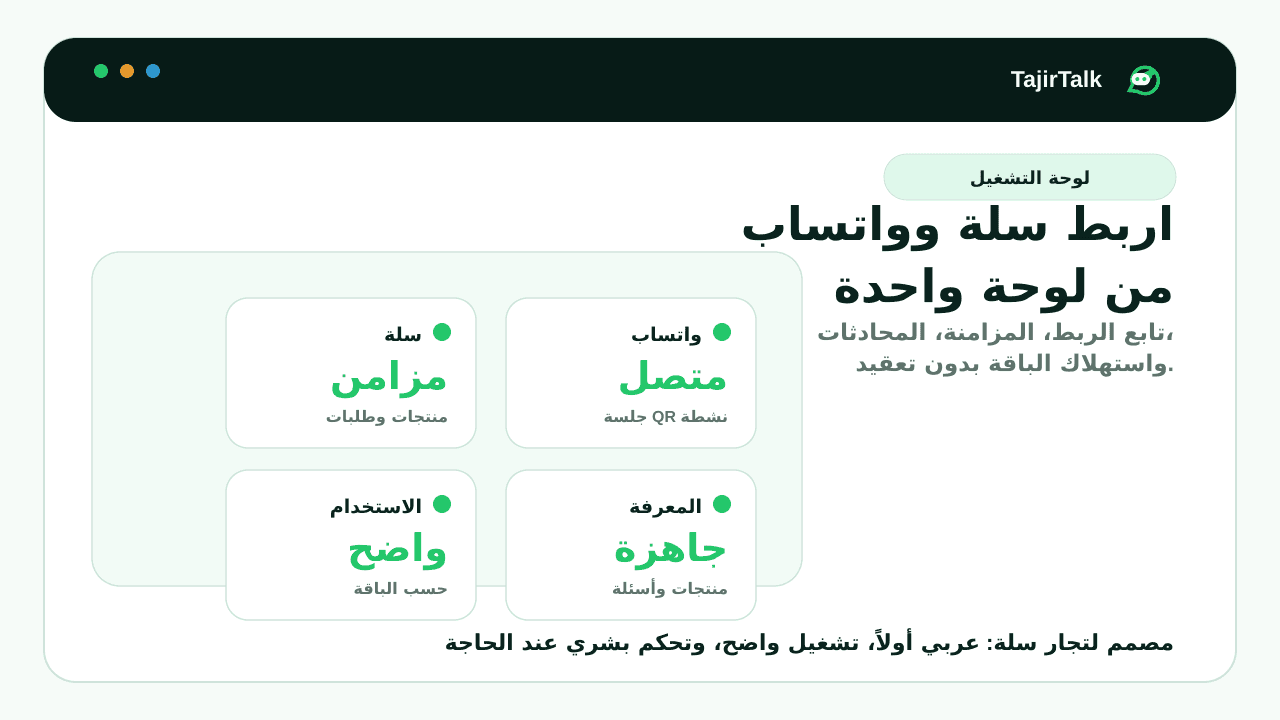
A useful WhatsApp commerce setup depends on three layers: a stable WhatsApp session, product knowledge from Salla or Zid, and clear rules for when automation should answer or hand off.
Recommended setup order
- Connect Salla or Zid, or seed products locally while testing.
- Choose which products the suite is allowed to reference.
- Add FAQs for shipping, payment, returns, sizing, and support policies.
- Connect WhatsApp from the dashboard and monitor sending readiness.
- Enable modules gradually with internal test conversations first.
Decide what automation can handle
| Customer request | Before an automated answer | When a person should step in |
|---|---|---|
| Product question | Verify current price, availability, and product details. | The product is missing or the answer is uncertain. |
| Order question | Check that private order details are protected. | Identity or order ownership cannot be verified. |
| Return or complaint | Use the store’s approved support policy. | A refund, exception, or sensitive decision is needed. |
Test failure paths before customers find them
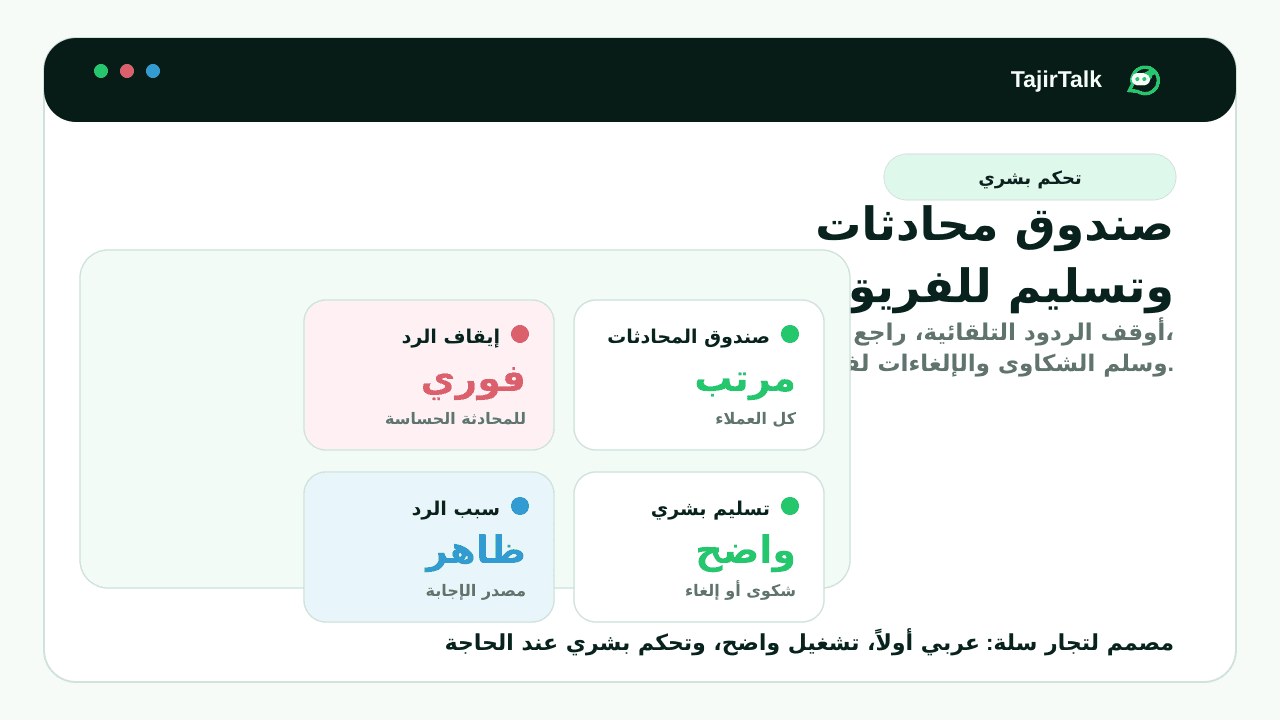
In an isolated test workspace, check a disconnected WhatsApp session, a missing store permission, an unknown product, and a sensitive request. Every state should explain what happened and give the merchant or shopper one clear next action.
Open an illustrative handoff test
Test request: “The item arrived damaged. Can you approve a refund?”
Expected boundary: The conversation should reach a person. An automated answer should not promise a refund or change the customer’s account.
This is a suggested test scenario, not a recorded customer exchange or a guarantee of a particular response.
Launch verification checklist
- Send and receive one real WhatsApp test message with your team.
- Confirm a product answer uses the current price, availability, image, and customer-facing link.
- Verify an order lookup protects private details before showing them.
- Trigger one test automation and confirm opt-out behavior.
- Check Arabic and English flows on mobile before inviting staff.
