“Will it fit?” Answering product measurement questions on WhatsApp
Give the right model’s dimensions with units and orientation, distinguish product size from packaging, and check missing measurements instead of promising fit from a photo.
Posted by
 TajirTalk Team
Related reading
“Is it covered by warranty?” Answering warranty questions on WhatsApp before a sale
Separate warranty duration, coverage and service responsibility so a Salla shopper gets a useful answer without an invented replacement promise.
Can I order 40 pieces? Handling bulk requests on WhatsApp without overpromising
Turn a Salla shopper's bulk or gift request into a clear brief for your team, without inventing stock, a discount, customization or a delivery promise.
“Will it arrive before the occasion?” Answering delivery-date questions on WhatsApp
Check the product, destination and deadline before answering a time-sensitive delivery question. Includes example replies and a practical staff handoff.
Give dimensions, not “it should fit”
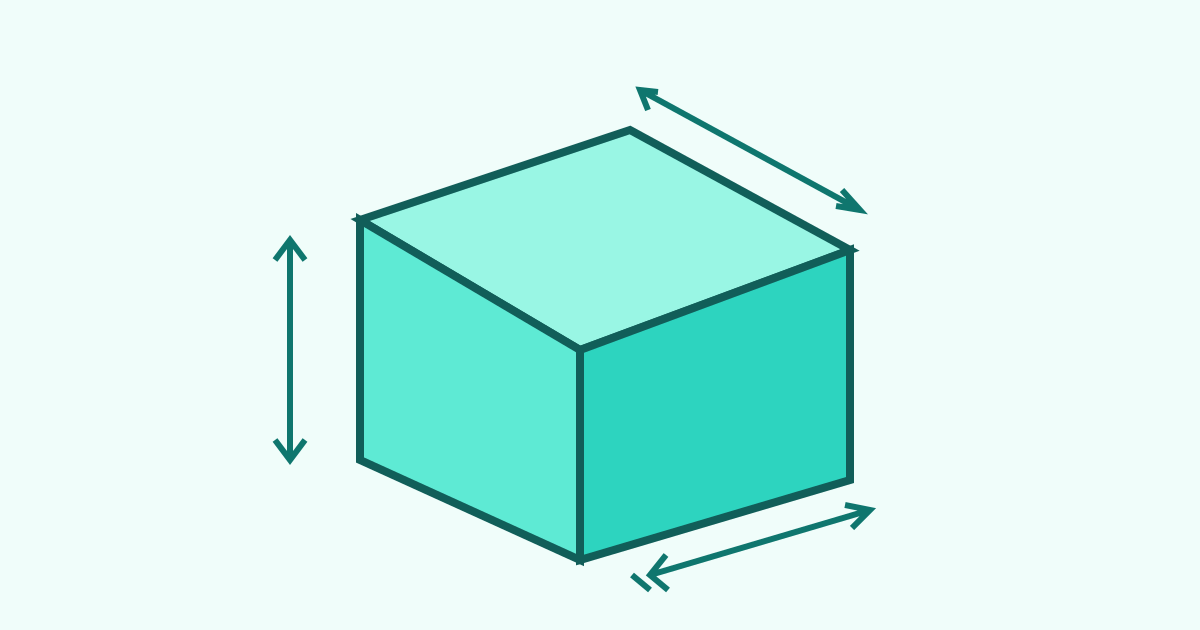
When a shopper asks whether furniture or a storage box will fit their space, provide the correct model’s dimensions, units and order. Distinguish product measurements from carton measurements. If information is missing, check with the team instead of estimating from a photograph.
TajirTalk can use merchant-written FAQs in WhatsApp replies. The useful work here is preparing accurate reference information. This is not automatic room measurement or a guarantee that an item will pass through a doorway.
Find out what the shopper is trying to check
“Will it fit?” might mean fitting a box under a bed, carrying a shelf through a door, or opening a drawer after positioning a cabinet. Ask a short clarifying question before sending a long specification sheet.
| Question | What to check |
|---|---|
| “Will it go under the bed?” | Check the product height and available clearance, not the carton width. |
| “Will it go through the door?” | Distinguish the delivered and assembled dimensions, and check delivery arrangements. A single width does not establish a safe route. |
| “Can I open the drawer?” | Look for documented operating clearance. Do not infer it from closed-cabinet dimensions. |
A general measurement question does not require a full photograph of the customer’s home or their address. Ask only for the relevant measurement if it is needed.
Build an answer card from the product source
Record the model, width, depth and height with units; whether these describe the product or its packaging; and any documented installation or clearance requirements. Add the source and review date. “60 × 40 × 30” without an order or unit is not a usable customer answer.
Do not copy dimensions between variants because the photos look similar. “Approximately” is not a replacement for checking the correct specification when the buyer has a tight space.
State what you know and what still needs checking
A hypothetical example, not a TajirTalk-generated reply:
“Do you mean the [model] box? Its documented external dimensions are width [value and unit], depth [value and unit], and height [value and unit]. These are product dimensions, not the carton size. For under-bed use, compare the height with the clear space available. I’ll check whether opening the lid needs extra room before confirming that detail.”
Replace placeholders with verified values. Do not promise a team check unless someone will actually carry it out.
Add a specific answer to TajirTalk’s knowledge
Use a question such as “What are the external dimensions of [model]?” and state units and orientation in the answer. Keep packaging or delivery questions separate when the answer differs. Review the entry when the model or supplier changes; an external page update does not necessarily update text entered manually.
| Field | Reference |
|---|---|
| Width | From the approved product source |
| Depth | From the approved product source |
| Height | From the approved product source |
| Unit | From the approved product source |
| Measurement source | From the approved product source |
Test three internal questions: the basic dimensions, a request for guaranteed fit, and an undocumented measurement. Read whether the answer sticks to the available information or turns a gap into “yes, definitely.” Adding reference material does not guarantee every generated response is correct.
Help the buyer decide without making an unsupported promise
If a critical measurement is still missing, ask the team before encouraging an order. When the dimensions are verified, provide the correct model link and clear information for comparison. A finished conversation does not establish that the product will fit the intended space.
Separate Salla notification setup note: when using a communication app to route WhatsApp messages originating in Salla, installation alone does not choose the route. Salla’s documentation describes selecting the app as the WhatsApp handler under Apps → Settings → Customize. That concerns Salla-routed messages, not a general prerequisite for AI replies to incoming measurement questions.
