How to prepare TajirTalk for a Salla or Zid store
A practical launch sequence for connecting WhatsApp with Salla or Zid, syncing products, and enabling commerce replies with human control.
Posted by
 TajirTalk Team
Related reading
Salla store WhatsApp automation: what merchants should know
A practical Salla-focused guide for product sync, order lookup, cart reminders, app scopes, and Arabic-first merchant onboarding.
Zid store WhatsApp automation: product questions, orders, and cart recovery
How Zid merchants can prepare product data, orders, webhooks, WhatsApp replies, and Arabic lifecycle emails.
Shopify TajirTalk: support, product answers, and cart recovery
How Shopify merchants can think about WhatsApp AI support, website chat, product sync, order lookup, and abandoned checkout recovery.
Start with the commerce flow, not the model
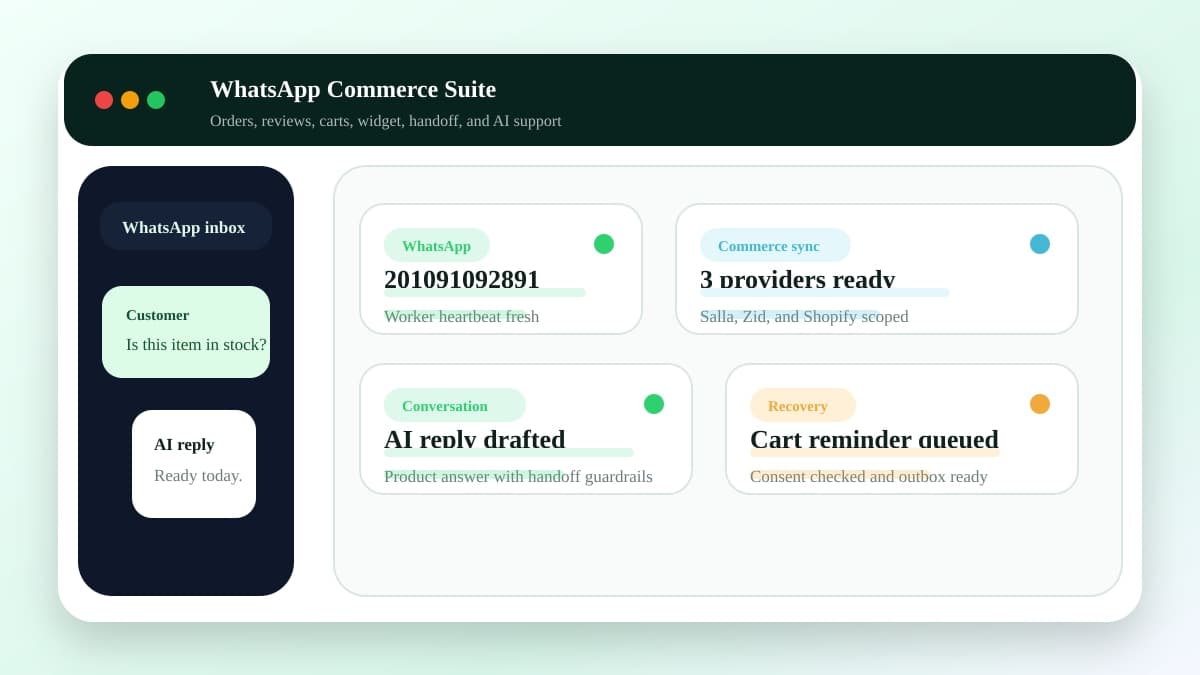
A useful WhatsApp commerce setup depends on three layers: a stable WhatsApp session, product knowledge from Salla or Zid, and clear rules for when automation should answer or hand off.
Recommended setup order
- Connect Salla or Zid, or seed products locally while testing.
- Choose which products the suite is allowed to reference.
- Add FAQs for shipping, payment, returns, sizing, and support policies.
- Connect WhatsApp from the dashboard and monitor sending readiness.
- Enable modules gradually with internal test conversations first.
Readiness signals
Do not launch before WhatsApp is connected, products are synced, FAQs are enabled, and human handoff rules are visible in the dashboard.
